Enabling Assistant for Kids Experiences
As the Lead UX Designer for Assistant for Kids (A4K), my goal was to enable experiences that both kids and parents can feel excited about. This not only meant creating new Assistant features for kids, but also to redefine the very essence of who the Assistant embodies, when interacting with a child.
My role

As the Lead UX Designer, I provided UX leadership to a team of Visual, Content, Conversation and Motions designers, and was responsible for the end-to-end development and execution of the user experience and strategy. I advocated for kids to the Product and Engineering partners, and facilitated a strongly UX influenced roadmap to launch the best experience for kids. Due to the highly sensitive nature of designing for kids, I held regular consultations with Legal & Privacy at Google, and developed a deep understanding of policies like AADC, and Trust & Safety to make sure our product was safe for kids and assuring to parents.
It all starts with the voice
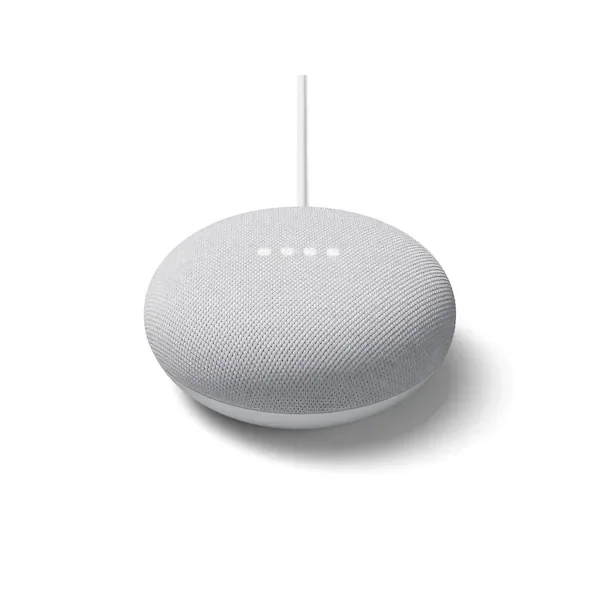
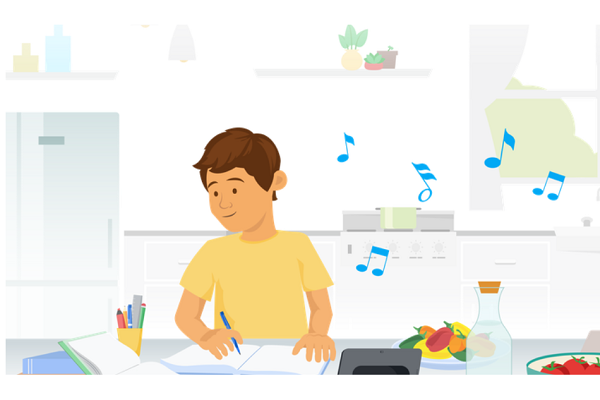
From a very young age, kids start interacting with the Assistant long before they hold a device in their hands. When designing for kids, we centered the UX strategy and efforts around ensuring that any command issued can be done by voice alone. In households containing Smart Speakers, and Smart Displays, there are 2 main use cases we wanted to solve for: 1) How do parents know when their kids are interacting with a SAFE Assistant that has applied Parental Controls enabled? And 2) How do we make interacting with the Assistant more fun and delightful for kids?
Our answer to this challenge: design new voices just for kids.
Character Development
Leveraging deep user research insights both internally and industry wide, I designed 4 distinct personas loosely based on the archetypes: 1) The Teacher/Mentor 2) The Cool Older Brother 3) The Bubbly Playful Friend and 4) The Coach. I brought on a Content Designer and Conversational Designer, to fully flesh out the idiosyncrasies of each character, how they talked, the jokes they told, the way they showed empathy and listening. I collaborated with the Visual Designer to explore various art directions for each character, with the goal of having a thematic visual language that spans all 4 characters:
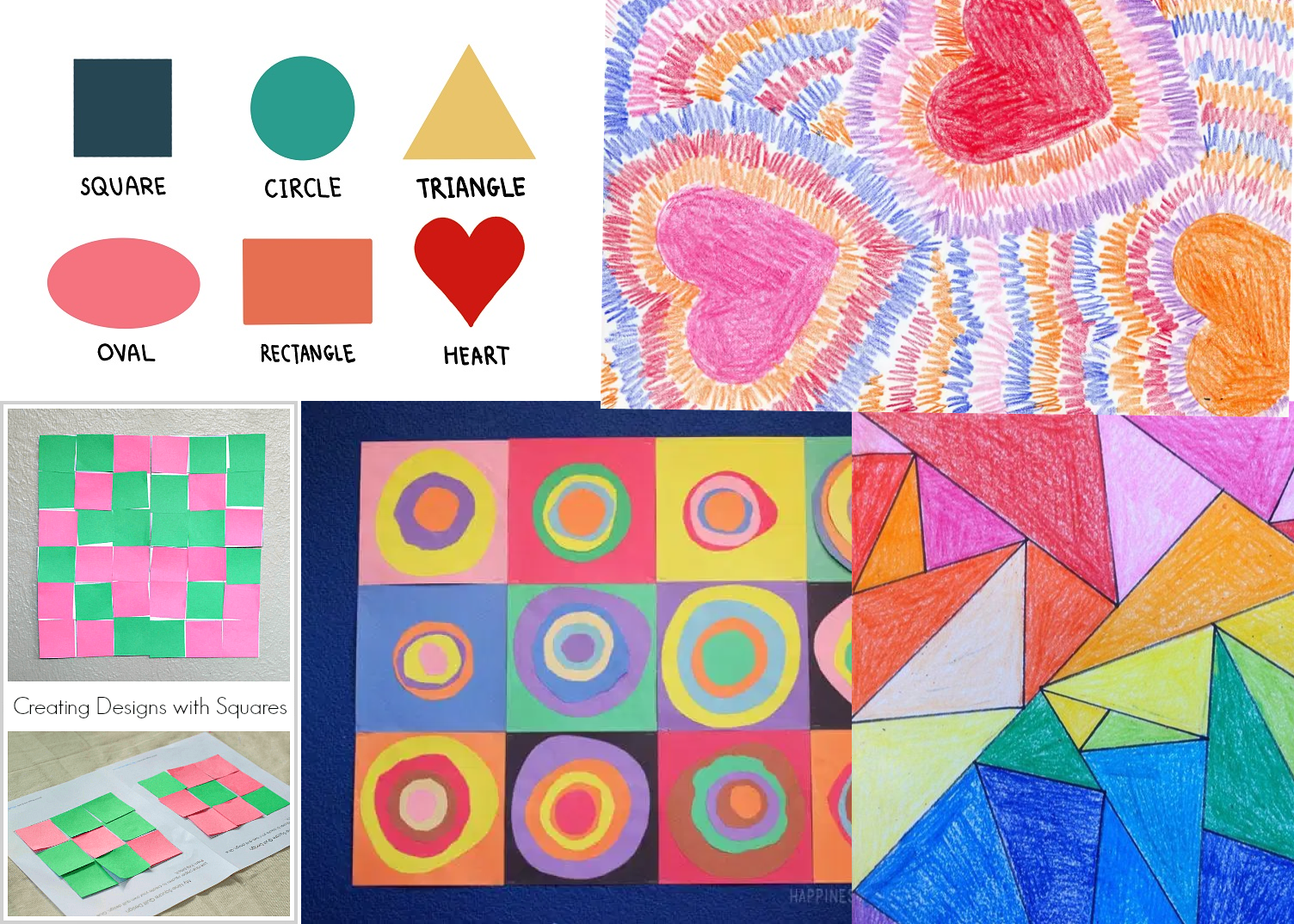
Visual explorations around colours, style, mood, and shapes.
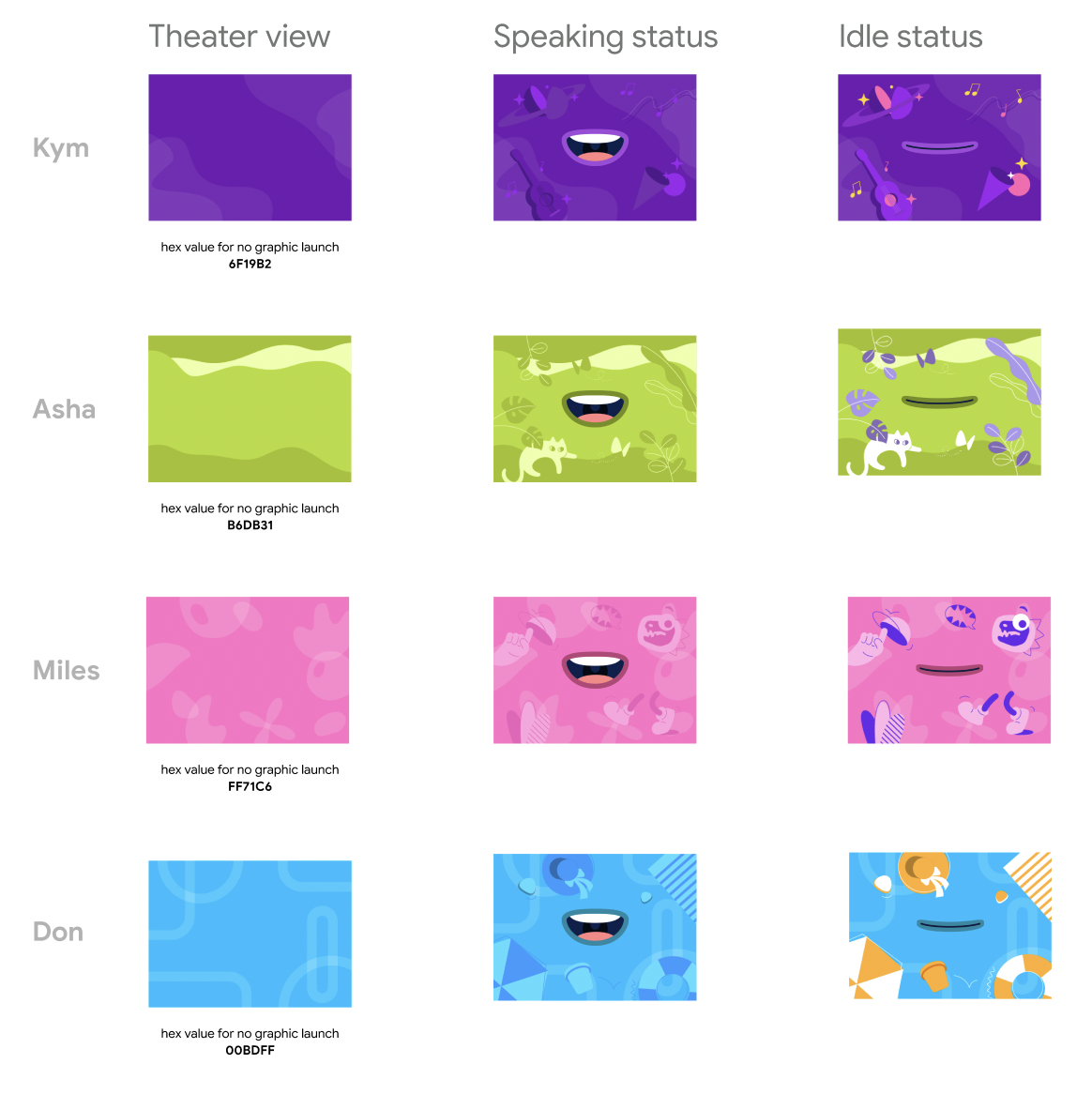
Before finalizing the character names, we used the internal names “Kym”, “Asha”, “Miles” and “Don”. Each character has a unique colour profile, and visual graphics to illustrate their personality and interests.
Onboarding
One of the most critical parts of the user journey is the onboarding process. We wanted to make it fun, and easy for kids to select their new voices, and focused primarily on the Speaker, Smart Display and Mobile touchpoints. Our goal was to enable kids to select their new voices without the aid of a parent.
After many iterations, I finalized 2 concepts to bring into UXR testing, and Concept 1 resonated most highly with kids.
Concept 1: Full panel view
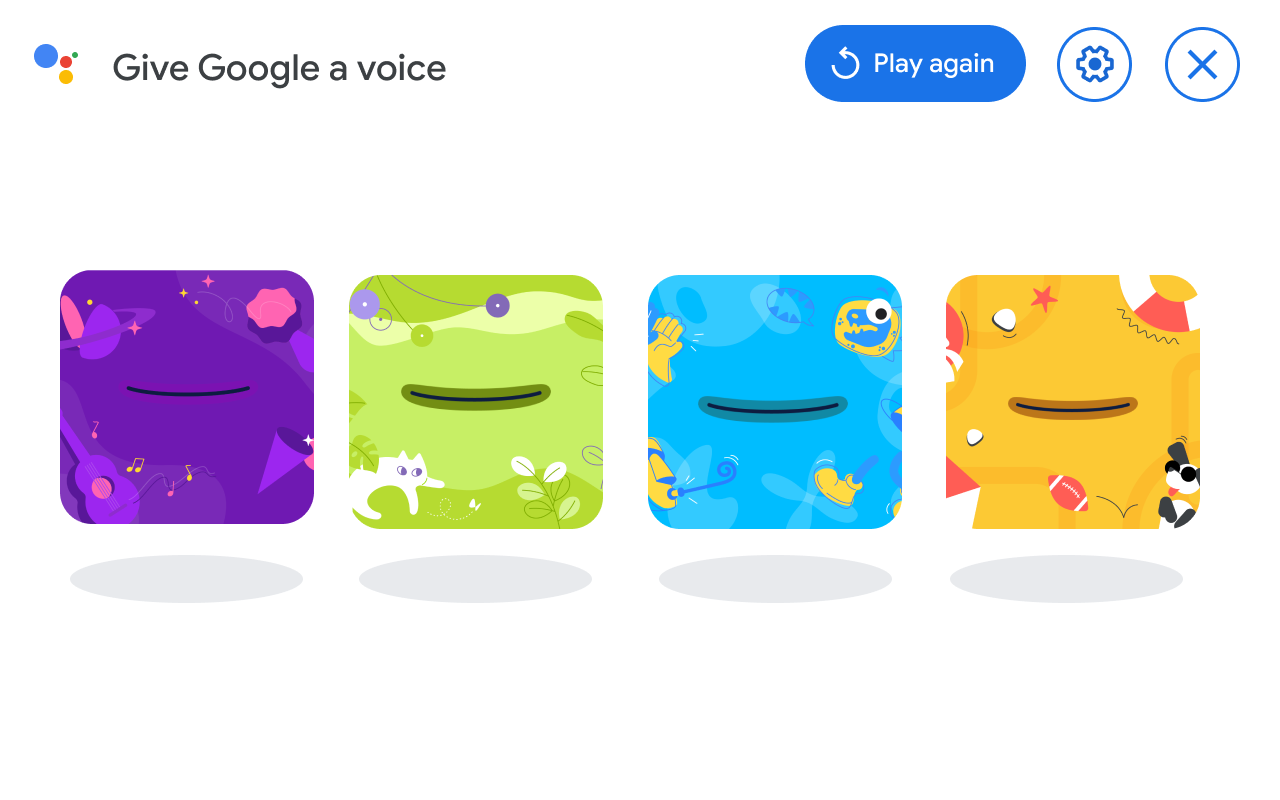
Concept 1: Full panel view on Smart Display
In this concept, voices are displayed in a ‘full panel’ style, where they are shown in equal measure to the child. The advantage of this set up is it would be easier to incorporate an introduction song / set up, and all voices are given an equal chance of selection.
Concept 2: Split-Panel view
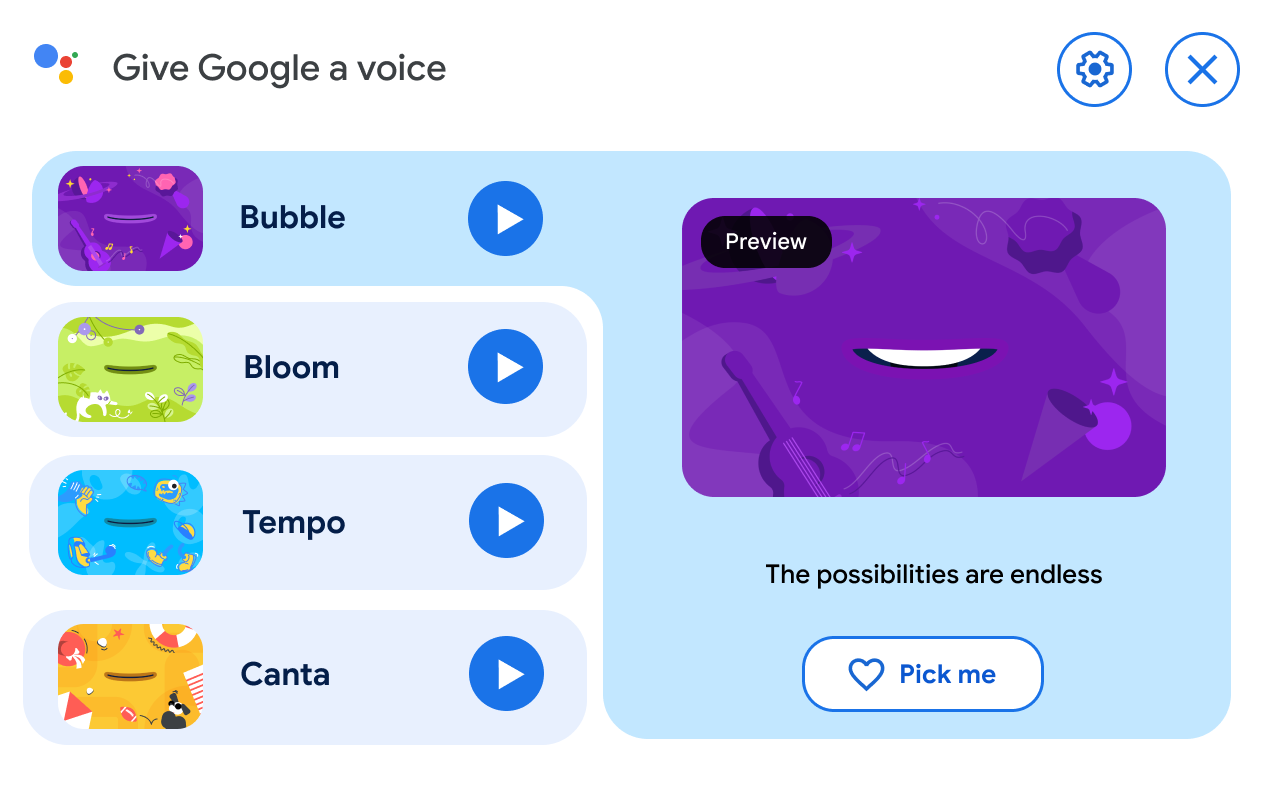
Concept 2: Side panel menu on Smart Display
This concept varies quite significantly from concept 1. It is more utilitarian, and the first voice is automatically selected. Large Play buttons prompt the child to listen to the voice, and interact with it.
A Large CTA ‘Pick Me’ makes selection intuitive and easy.
UXR Results for Concept testing
We tested both concepts with kids, and the resounding winner was Concept 1. Feeling confident with the results, I applied additional feedback to the concept for the Smart Display surface and fleshed out various interactive states throughout the user journey. Each interactive moment was accompanied with voice, making the selection process fun, and intuitive for kids.
Interaction design moment: what happens when the child taps on a voice? Selects a voice? What do they hear?

Cross-surface UX: Mobile landscape
Mobile portrait explorations
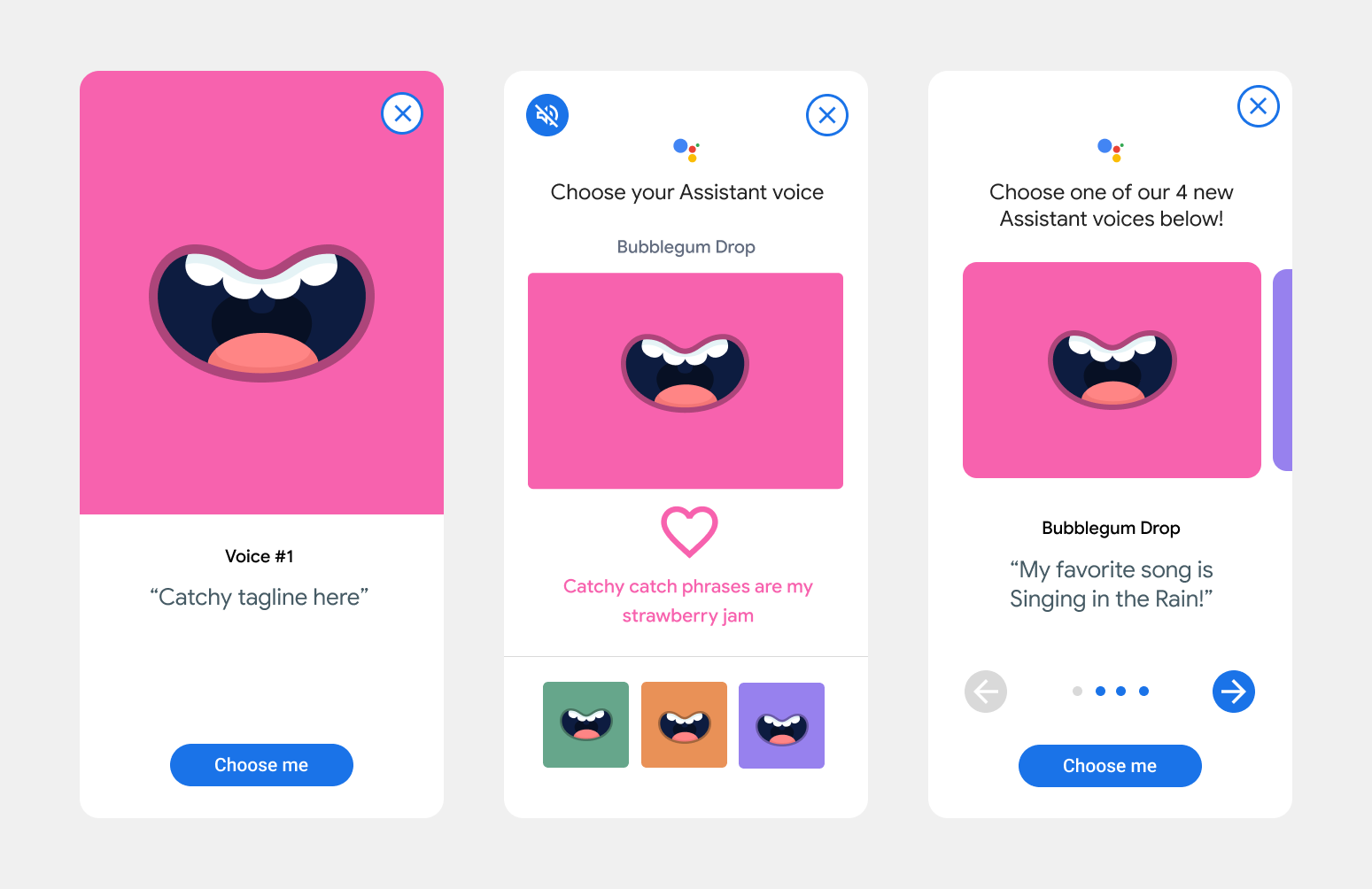
There are many entry points to this feature. Users can change to a different Assistant Character by using a mobile phone with the Assistant App downloaded on it. Here are a few of the mobile explorations around voice selection. Given the smaller screen real-estate, less was more.
Learning by doing
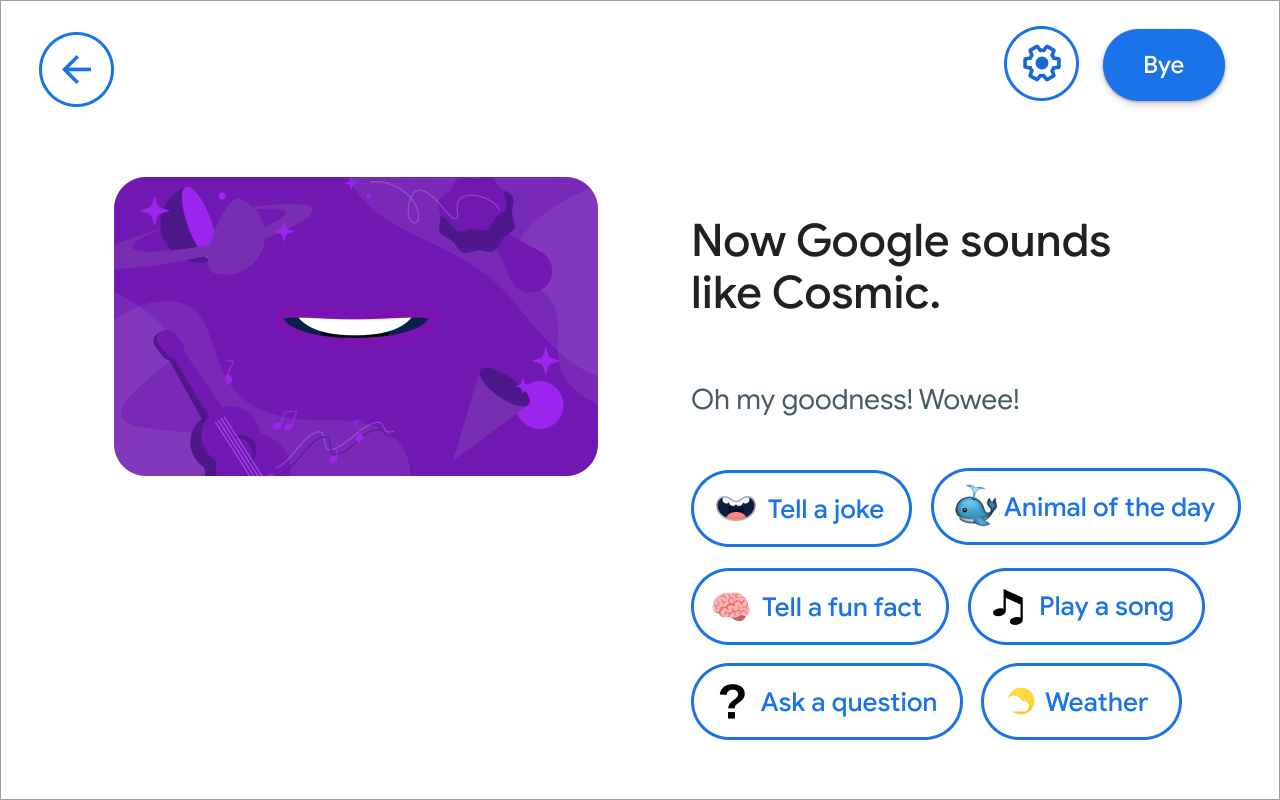
The onboarding process is a great opportunity to start teaching end users how to use the product's features. The team developed new and exciting features like Animal of the Day and Kids Dictionary, so it felt apt to show kids that these new features exist on Assistant, and how to use them.
Google Home Settings on Mobile
An Easy Way to Change the Voice
After the voice onboarding experience, kids and parents may want to change the voice to keep things fresh and fun. A new ‘For kids’ filter is now available in settings, and marks the way to an exciting future for kids on Assistant. Kids can also use their voice to ask the Assistant to change their voice.
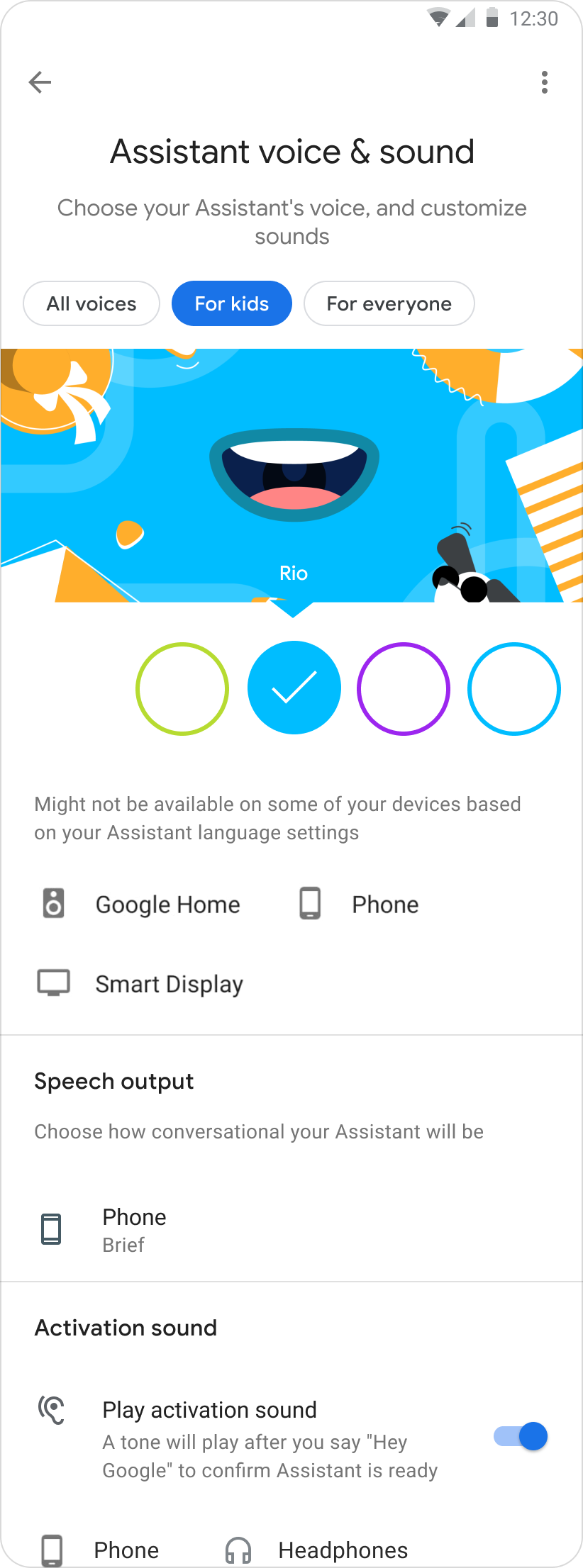
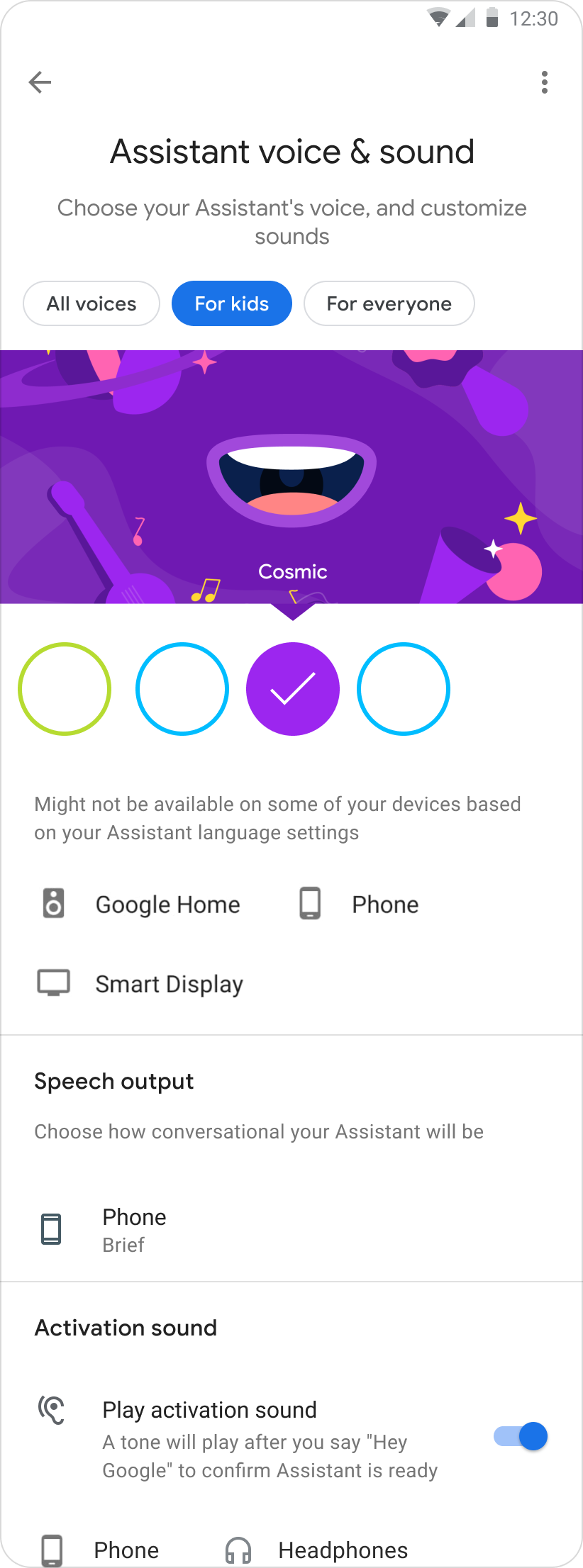
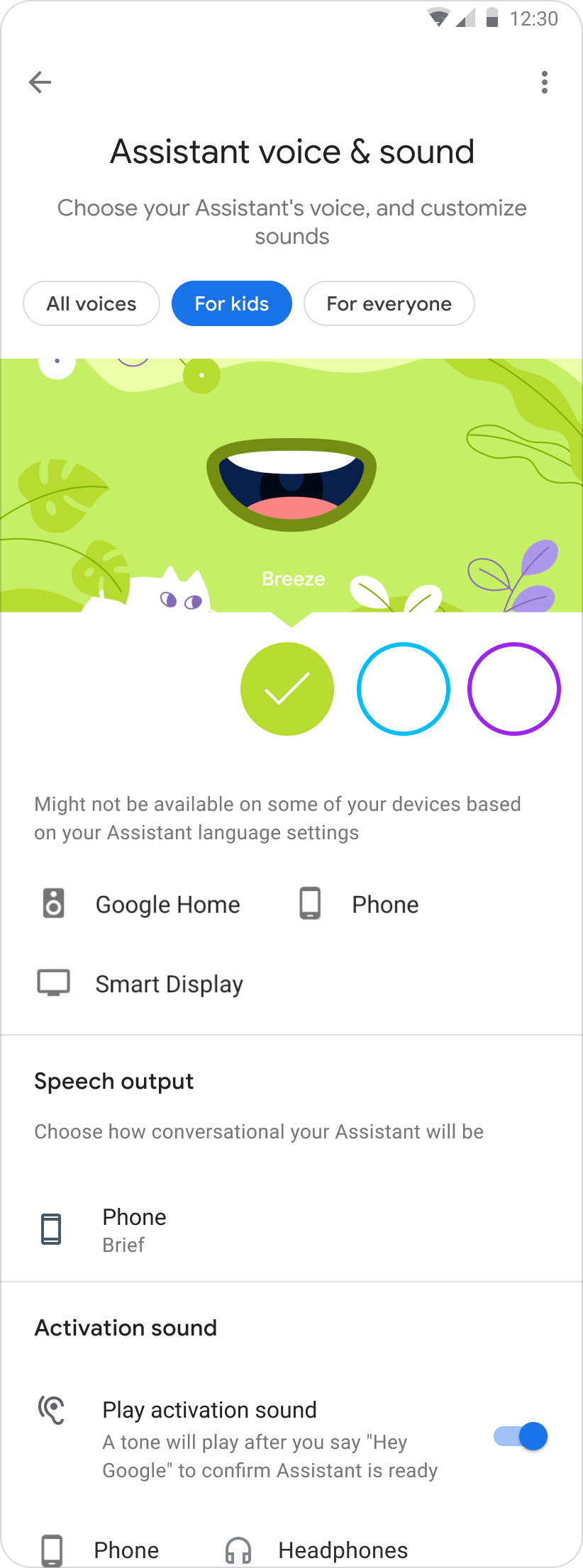
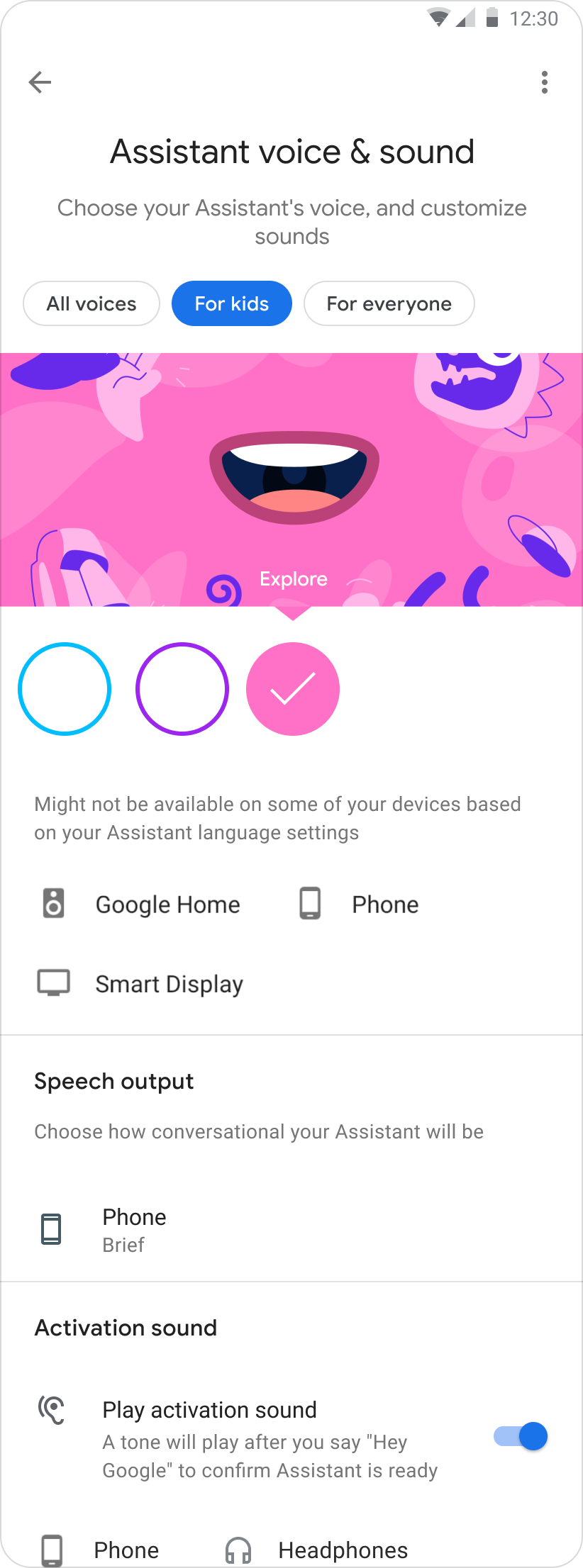
Introducing 4 New Voices for Kids
Outcomes
Now that there are 4 new kids voices on Assistant, parents can feel rest assured that their child is interacting with Parental Controls enabled, which keeps kids safe. Moreover, kids now have 4 new customized voices that make interacting with the Assistant much more fun and enjoyable.
The public and media reception of this new feature was incredibly validating. The team and I felt overjoyed to see this work featured in articles like the one published here by Wired Magazine.